 Look Who's Talking
Record a conversation. See who spoke, how much, and what was said.
Start recording before the meeting, the interview, or the family argument. When you stop, the app separates each voice, shows how much of the conversation each person took, and writes out what they said. No setup, no training, no microphones to position — just the phone you already have.
How it works
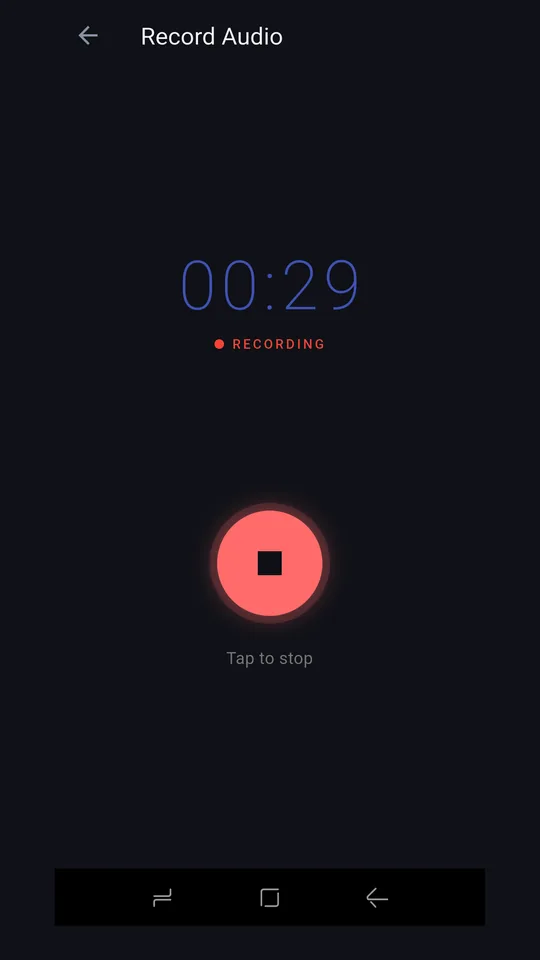
- Record a conversation Tap record and put the phone between you. It keeps running in the background and keeps time even if a timer tick is missed.
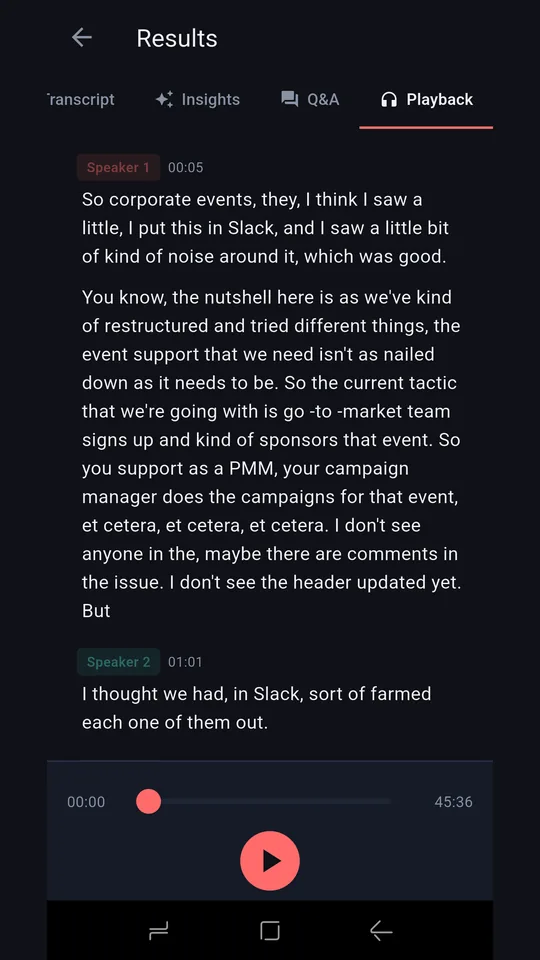
- AI analyses the speakers The app identifies each distinct voice and builds a timeline of who said what, and when.
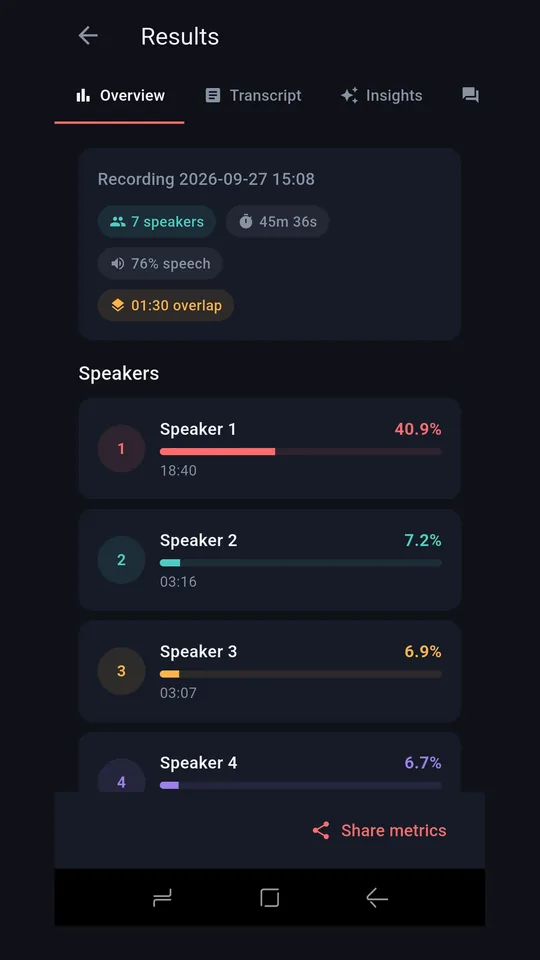
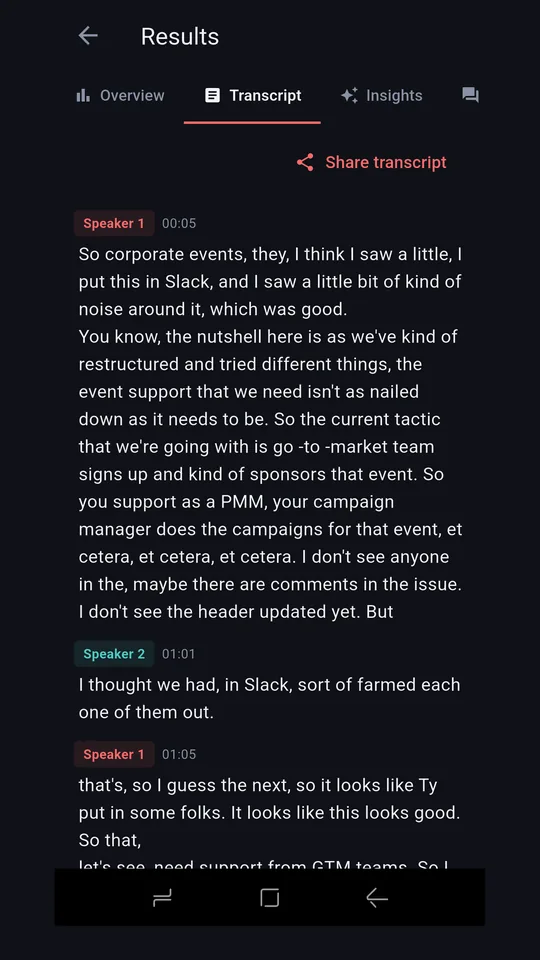
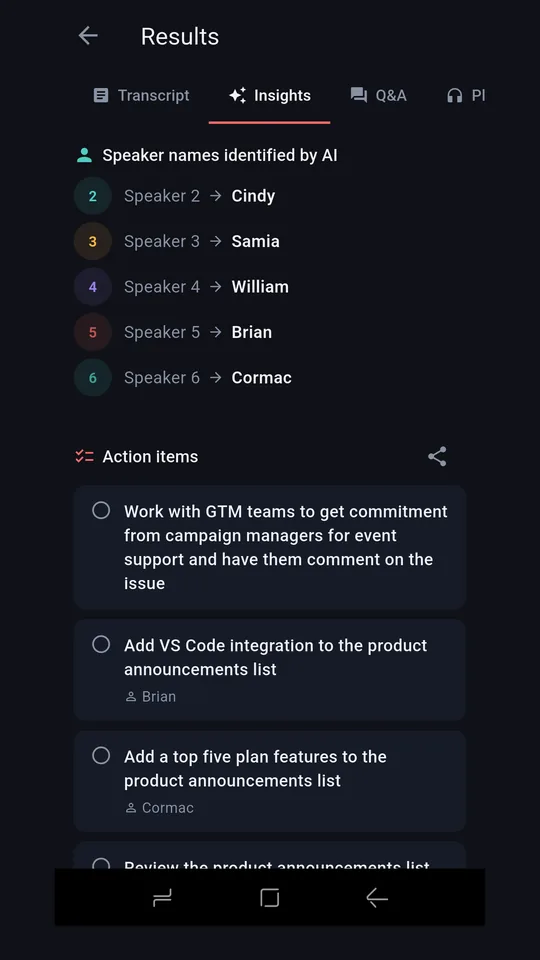
- Explore the results Speaker percentages, a transcript grouped by speaker, an automatic summary, and questions you can ask about the conversation.
How to use it
- Install and sign in Open the app and sign in with your Google account. Your recordings stay on your own phone and, if you want, your own cloud storage.
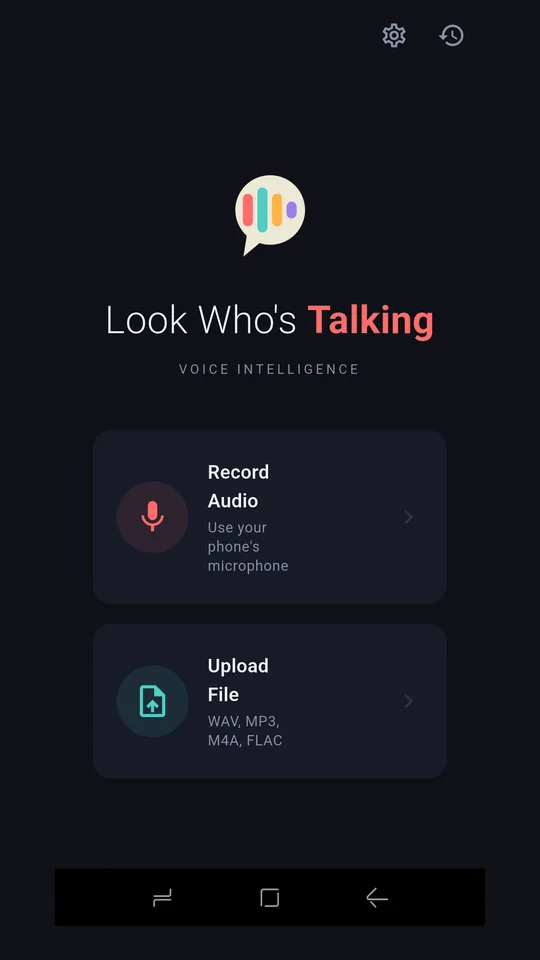
- Start recording Tap Record on the home screen, give the conversation a name, and allow microphone access the first time you are asked.
- Put the phone down and let it listen A phone on the table picks up a normal conversation. Put it roughly in the middle of the group rather than at one end.
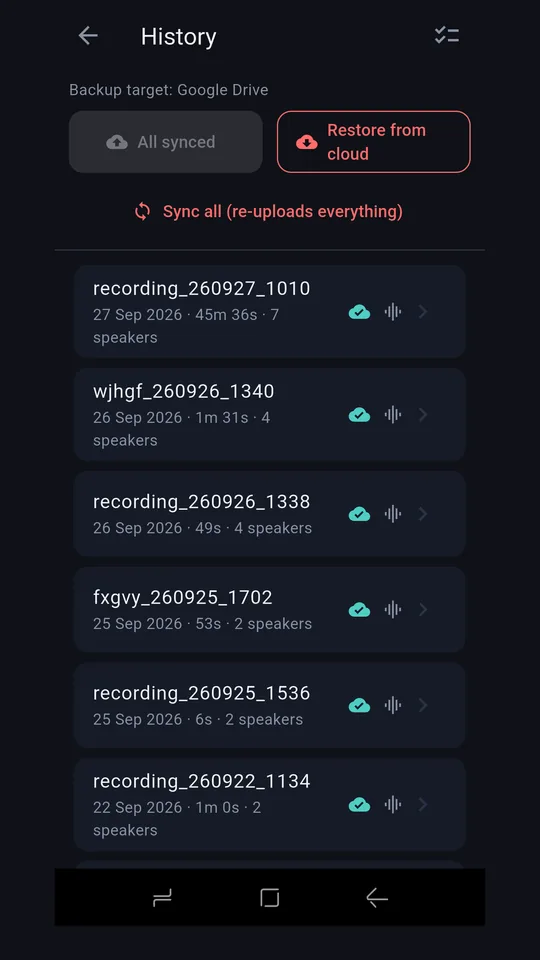
- Stop when the conversation ends Tap stop. The recording is saved to the phone immediately, so nothing is lost if the analysis fails.
- Wait for the analysis The app separates the speakers and writes the transcript. A short conversation takes a few seconds; a long one takes longer.
- Name the speakers The app labels them Speaker 1, Speaker 2 and so on. Rename them once and the transcript, percentages and summary all follow.
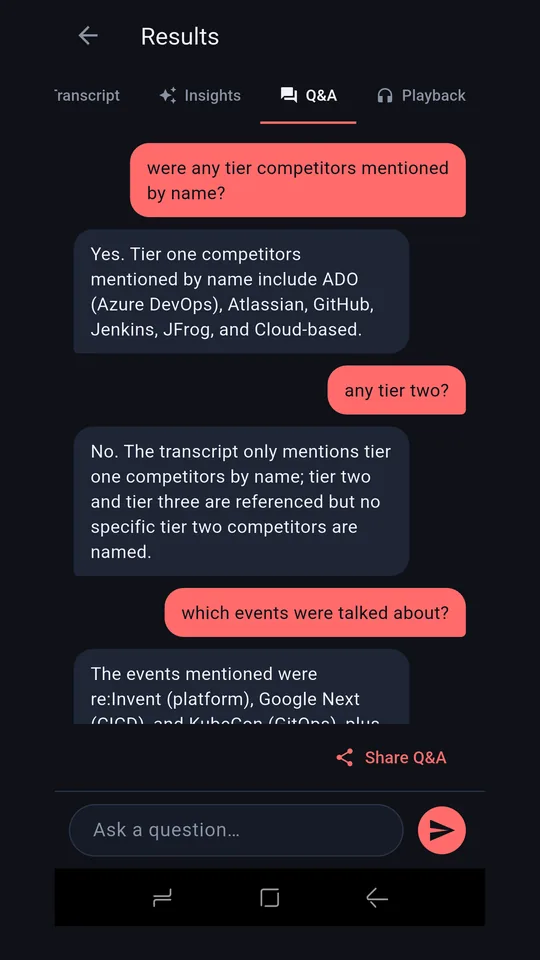
- Read, or ask See who dominated, read what each person said, or ask a question in plain English — "what did we agree about the budget?" — and get an answer drawn from the conversation itself.
What it looks like
Tap any screen to see it full size.
Key features
🎙 Speaker identification
Separates overlapping voices automatically, and shows how much of the conversation each person took.
📝 Transcription
Full text of what each speaker said, grouped so it reads as a conversation rather than a list of fragments.
💡 Summary and questions
An automatic summary of what was discussed, plus plain-English questions answered from the conversation itself.
☁️ Your own cloud
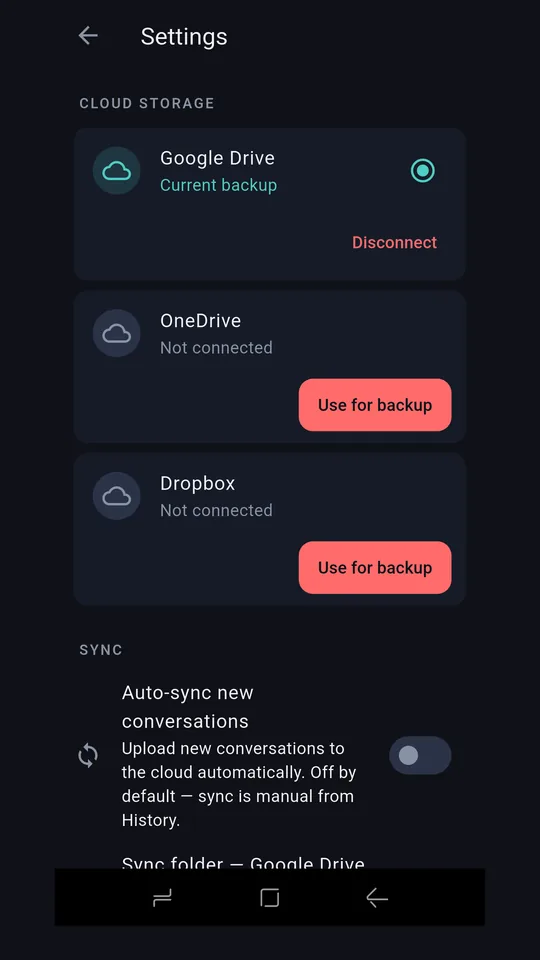
Back up to Google Drive, Dropbox or OneDrive — your accounts, your storage, not ours.
Ready when you are
Look Who's Talking is in pre-beta and coming to Google Play.
Coming soon to Google Play